2. 2D Movement
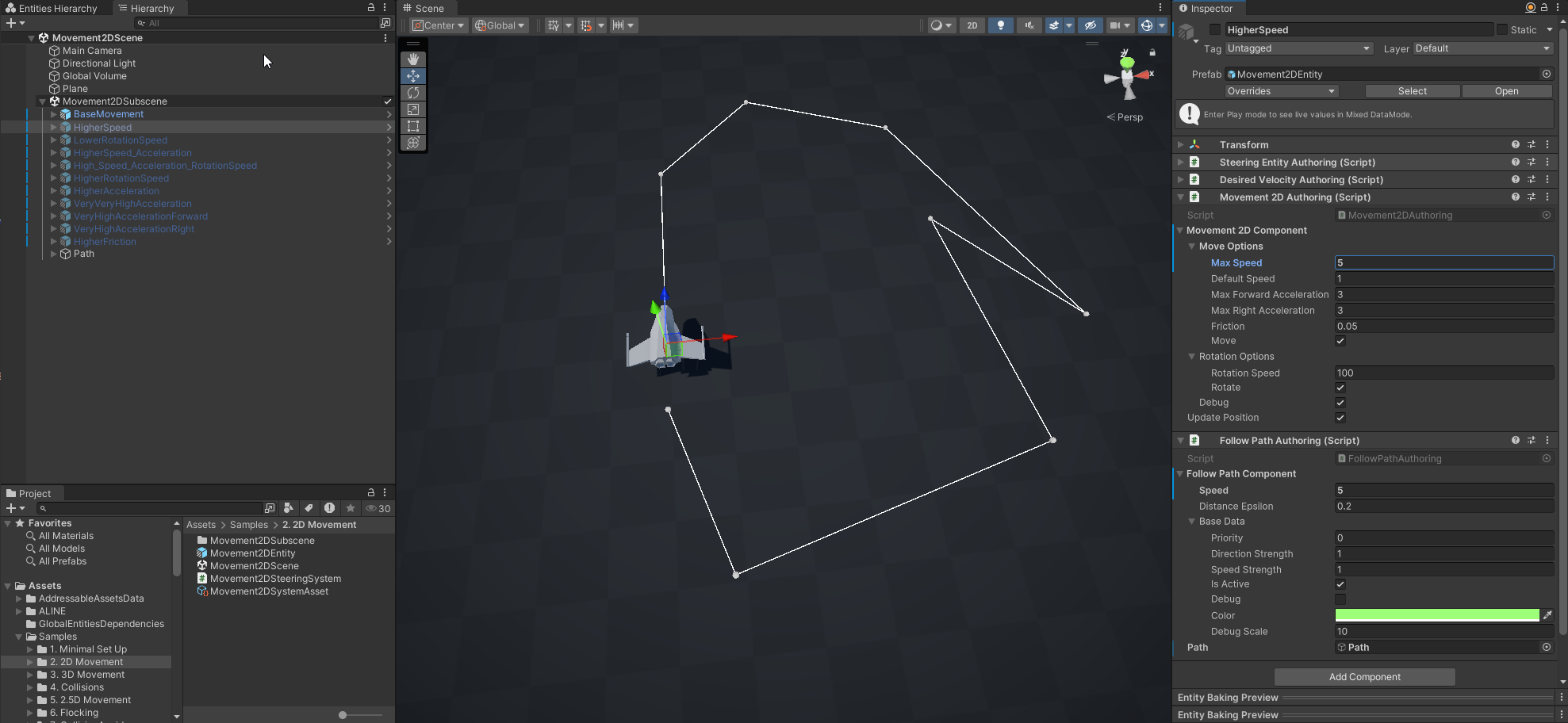
This sample shows different setups of the Movement2DAuthoring when using the Movement2DSystem. There are multiple entities which follow path using the FollowPathJobWrapper behavior. The only difference between them are in the properties on Movement2DAuthoring like MaxSpeed or MaxForwardAcceleration. The yellow arrow shows what velocity the entity wants to have - DesiredVelocityComponent, the green arrow shows it's actual current velocity - VelocityComponent.
Compare the different entities in the scene to the default one named BaseMovement and observe the effect each changed property has. For example third entity in the video has high maximum speed, but low acceleration. That's why it stuggles to go through the points along the path.

- Scene
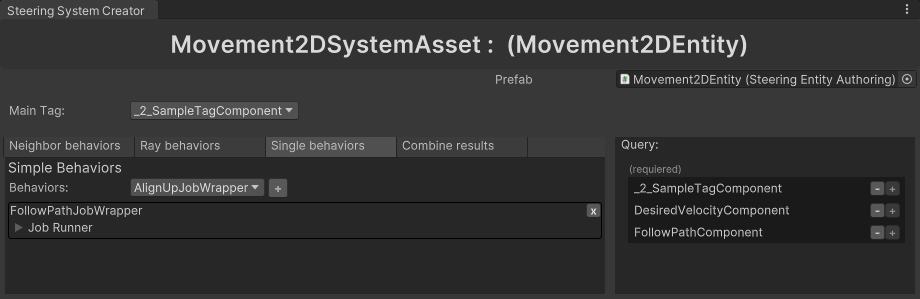
- Steering System Asset
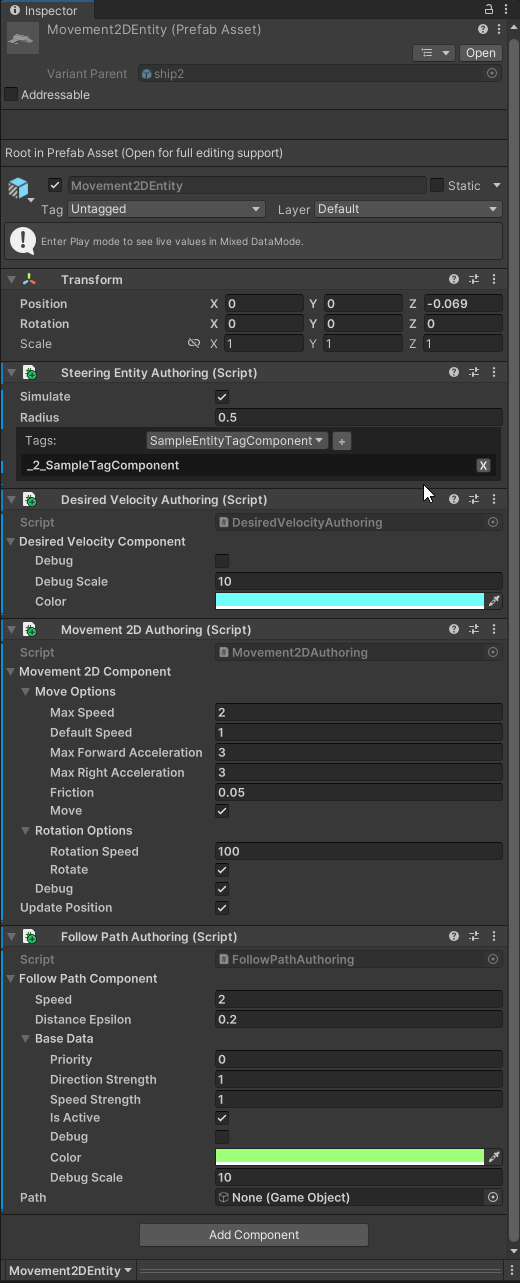
- Prefab
There are multiple copies of the Movement2DEntity prefab in the scene. Each entity has a different values changed on it's Movement2DAuthoring relative to the original.
Movement2DSteeringAsset:
- Main Tag -
_2_SampleTagComponent - Simple Behaviors - [
FollowPathJobWrapper] - Prefab - Movement2DEntity
Behavior Components:
Other Components: