3. 3D Movement
This sample shows usage of Move3DSystem in the same way as the previous sample. The main difference to Movement2DSystem is that the entities bank into turns when using Move3DSystem. The main focus of this sample is to show different options for RotationOptions3D and BankingGravity which control the banking. Other properties like MaxSpeed will be familiar from the 2D case.
In the video, the yellow and green arrows show VelocityComponent and DesiredVelocityComponent with green and yellow arrows respectively. The other arrows visualize the orientation. The blue arrows show the current forward and up directions, the red arrows show the target forward and up directions. Higher values for RotationOptions3D.RotationSpeed and RotationOptions3D.RollRotationSpeed change how fast the current orientation matches the target in the seperate axis. BankingGravity affects how far the entity tilts. You can observe lower BankingGravity in the second part of the video on the blue ship.

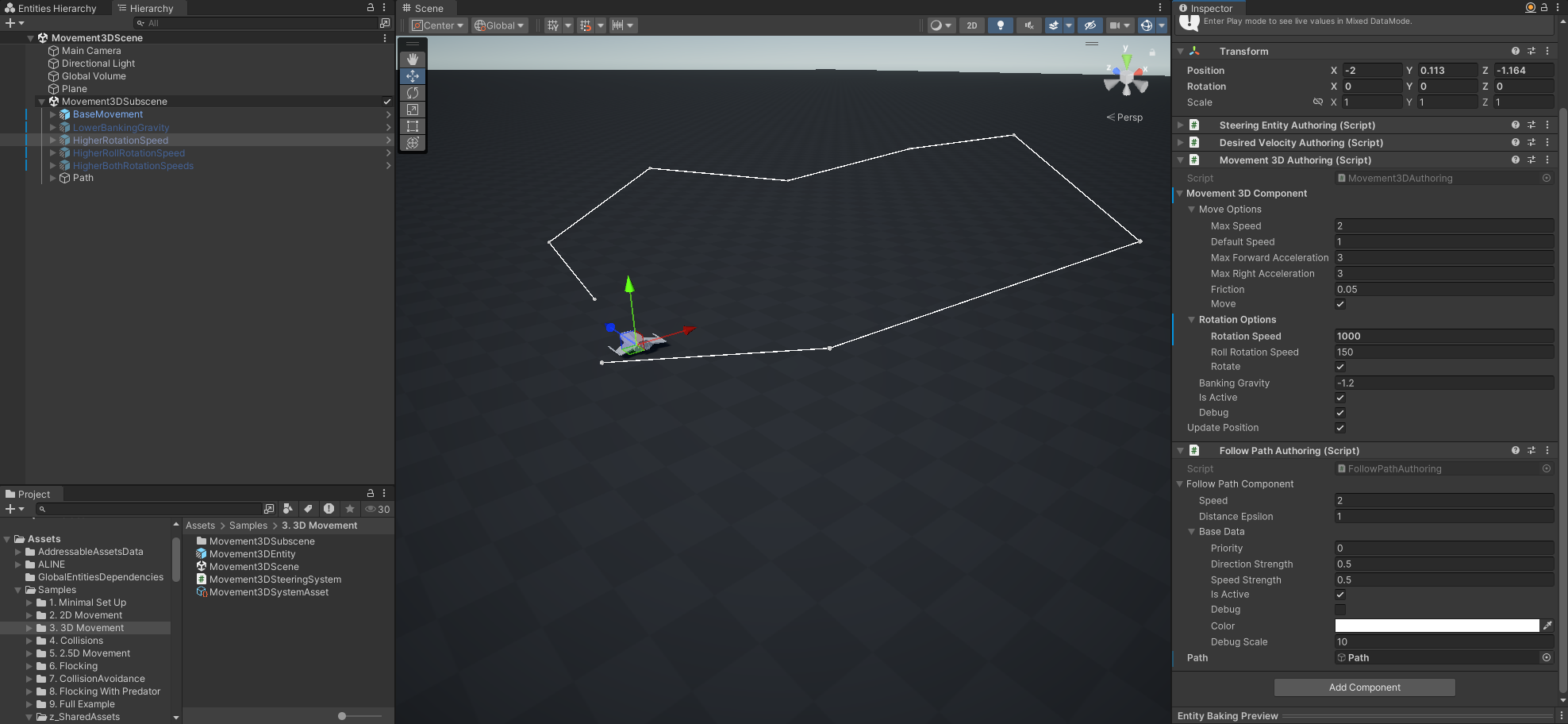
- Scene
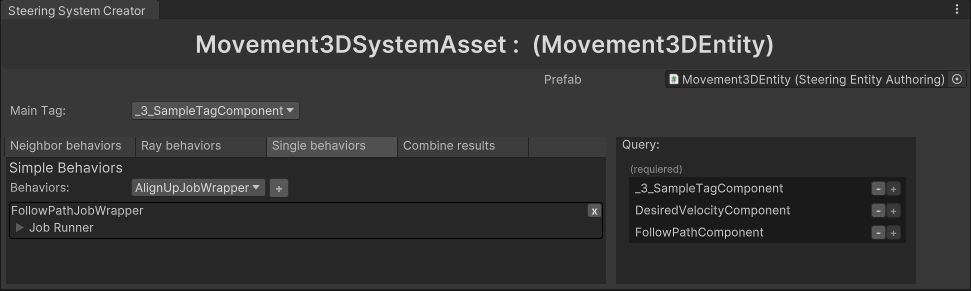
- Steering System Asset
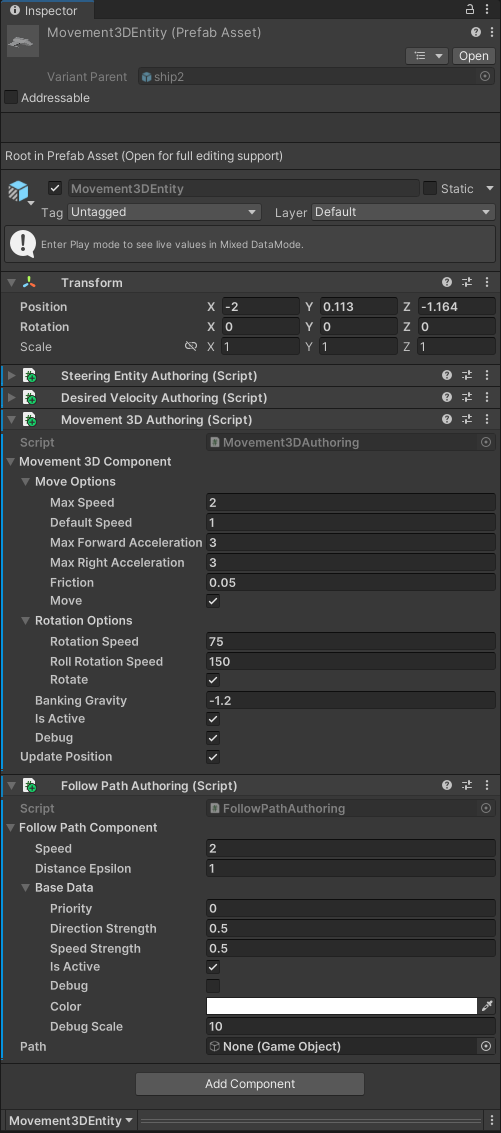
- Prefab
There are multiple copies of the Movement3DEntity prefab in the scene. The entities have different combinations of RotationOptions3D.RotationSpeed, RotationOptions3D.RollRotationSpeed and BankingGravity.
Movement3DSteeringAsset:
- Main Tag -
_3_SampleTagComponent - Simple Behaviors - [
FollowPathSplineJobWrapper] - Prefab - Movement3DEntity
Behavior Components:
Other Components: