Editor
The editor for the SteeringSystemAsset let's you set up a system which controls entities. The system is set up modularly from behaviors. To open the editor, double click on any SteeringSystemAsset.
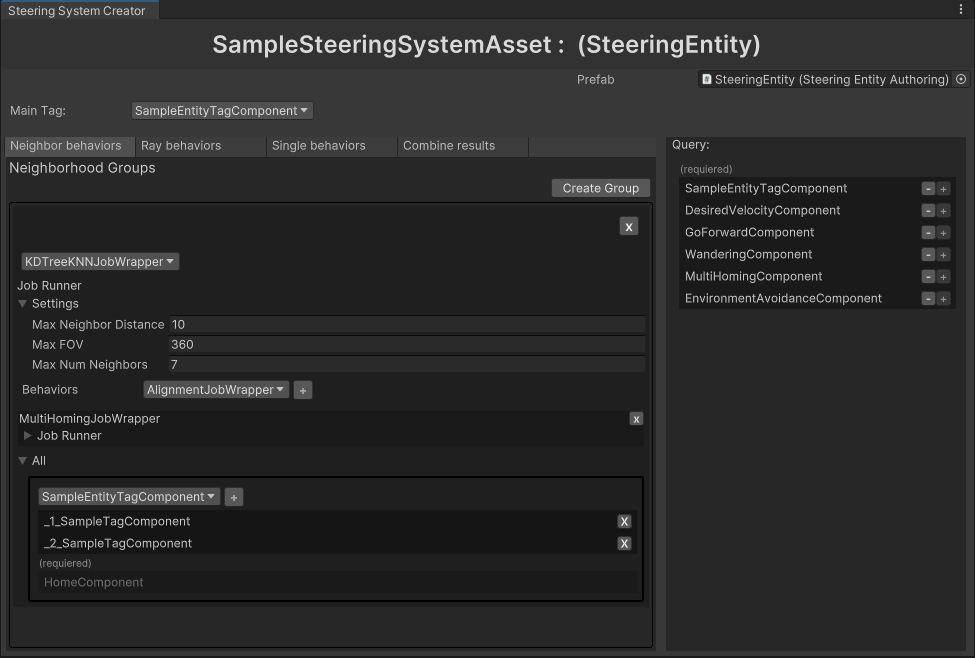
- Top Area
- Right Area
- Simple Behaviors
- Neighbor Behaviors
- Ray Behaviors
- Merger
At the top, you can see the name of currently opened steering system asset. On the right, a prefab for entity intended for this system should be assigned. This prefab needs to have SteeringEntityAuthoring. On the left is the tag which will be queried by this systems main entity query. Only entities with this tag will be processed by this system.

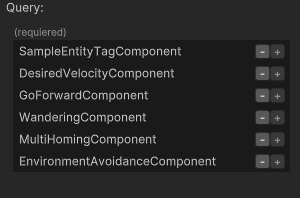
This list shows which components should be attached to the entity. The components can be added or removed on the prefab with the plus and minus buttons. The list is determined from the set of used behaviors. Each behavior declares which components it needs through attributes.
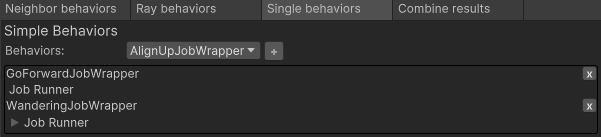
Simple behaviors can be simply added from the behaviors dropdown into the list of behaviors. Here the list contains GoForwardJobWrapper and WanderingJobWrapper.
Neighbor behaviors are grouped by neighbor queries. This let's multiple behaviors reuse the same neighbor query, saving performance. Image below shows on neighbor behavior group containing one neighbor behavior.
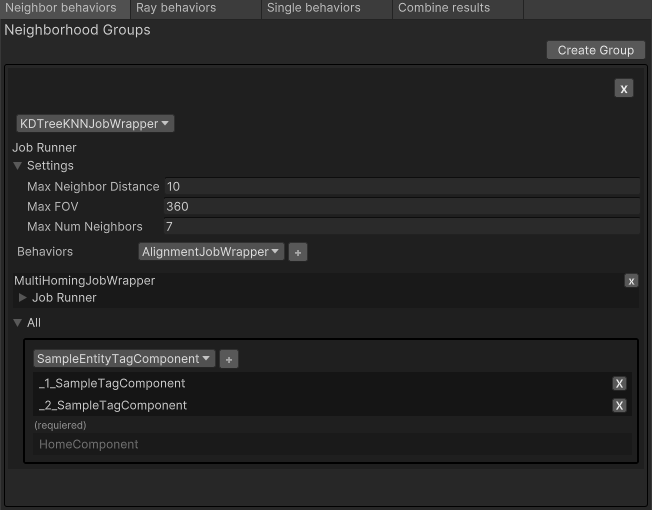
Neighbor Query
In this section, you can select the implementation of a neighbor query and set it up. Here it's at most 7 (nearest) neighbors, at maximum distance of 10 units while considering full field of view - 360 degrees. The selected query below is KDTreeKNNJobWrapper.

Neighbor Behaviors
This is where the neighbor behaviors can be added from the Behaviors dropdown into the list of behaviors.

Neighbors' Components
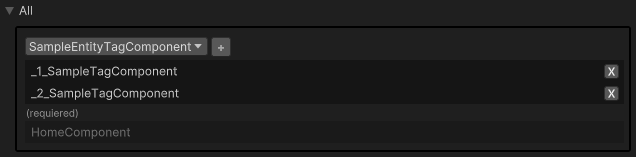
This section shows which components the neighbors should have on them. The required section contains components which must be on the neighbors. For example when using MultiHomingJobWrapper, the entities which represent homes must have the HomeComponent on them. The upper section is where tags determining which entities are potential neighbors can be added. A potential neighbor will be an entity with at least one of these tags.
Ray behaviors are grouped by ray queries to reuse their results. In the image below is one ray behavior group which contains one ray behavior.
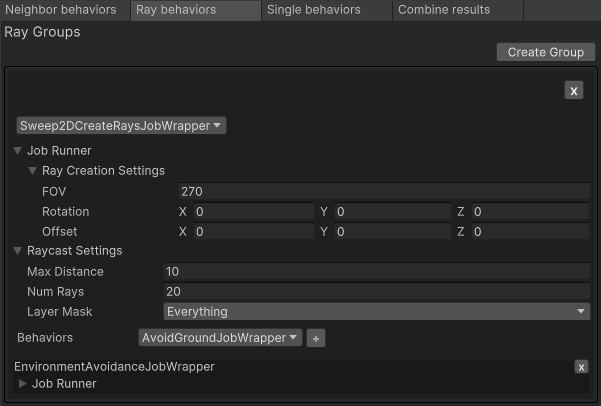
Ray Query
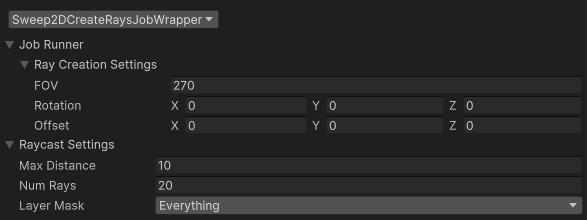
In this section, you can select the implementation of a ray query and set it up. Here it's 20 rays, at maximum distance 10 units, intersecting with any layer. The selected query below is Sweep2DCreateRaysJobWrapper.
Ray Behaviors
Here the ray behaviors can be added from the Behaviors dropdown into the list of behaviors.

This section is only interesting if you implement your custom merger, which can then be selected here. Selecting the merger makes all the behavior dropdowns only show behaviors with output type compatible to the input type of the merger. With the default CombineVelocitiesJobWrapper the compatible input type is VelocityResults, which is the output type of all default behaviors.
